Device
Compatibility
You'll need to make sure your device supports eSIMs and has no carrier restrictions to use HiRoam.

iPhone
apple is one of the phone makers that supports eSIM technology. Here are apple devices that support eSIM:
- iPad (8th gen or later)
- iPad Air (4th gen or later)
- iPad Pro 11-inch (3rd gen or later)
- iPad Pro 12.9-inch (5th gen or later)
- iPhone 11
- iPhone 11 Pro
- iPhone 11 Pro Max
- iPhone 12
- iPhone 12 mini
- iPhone 12 Pro
- iPhone 12 Pro Max
- iPhone 13
- iPhone 13 mini
- iPhone 13 Pro
- iPhone 13 Pro Max
- iPhone 14
- iPhone 14 Plus
- iPhone 14 Pro
- iPhone 14 Pro Max
- iPhone 15
- iPhone 15 Plus
- iPhone 15 Pro
- iPhone 15 Pro Max
- iPhone SE (2020)
- iPhone SE (2022)
- iPhone XR
- iPhone XS
- iPhone XS Max
Notice: Device compatibility can vary by country, carrier, and whether the phone is carrier-locked. If you're unsure, check your device settings for "Add eSIM" / "Add Cellular Plan".
iPhone
Settings > Cellular > Add Cellular Plan - If this option is available, your iPhone supports eSIM.
Android
Settings > Network & Internet > SIM Cards > Add eSIM - Menu location may vary depending on brand.
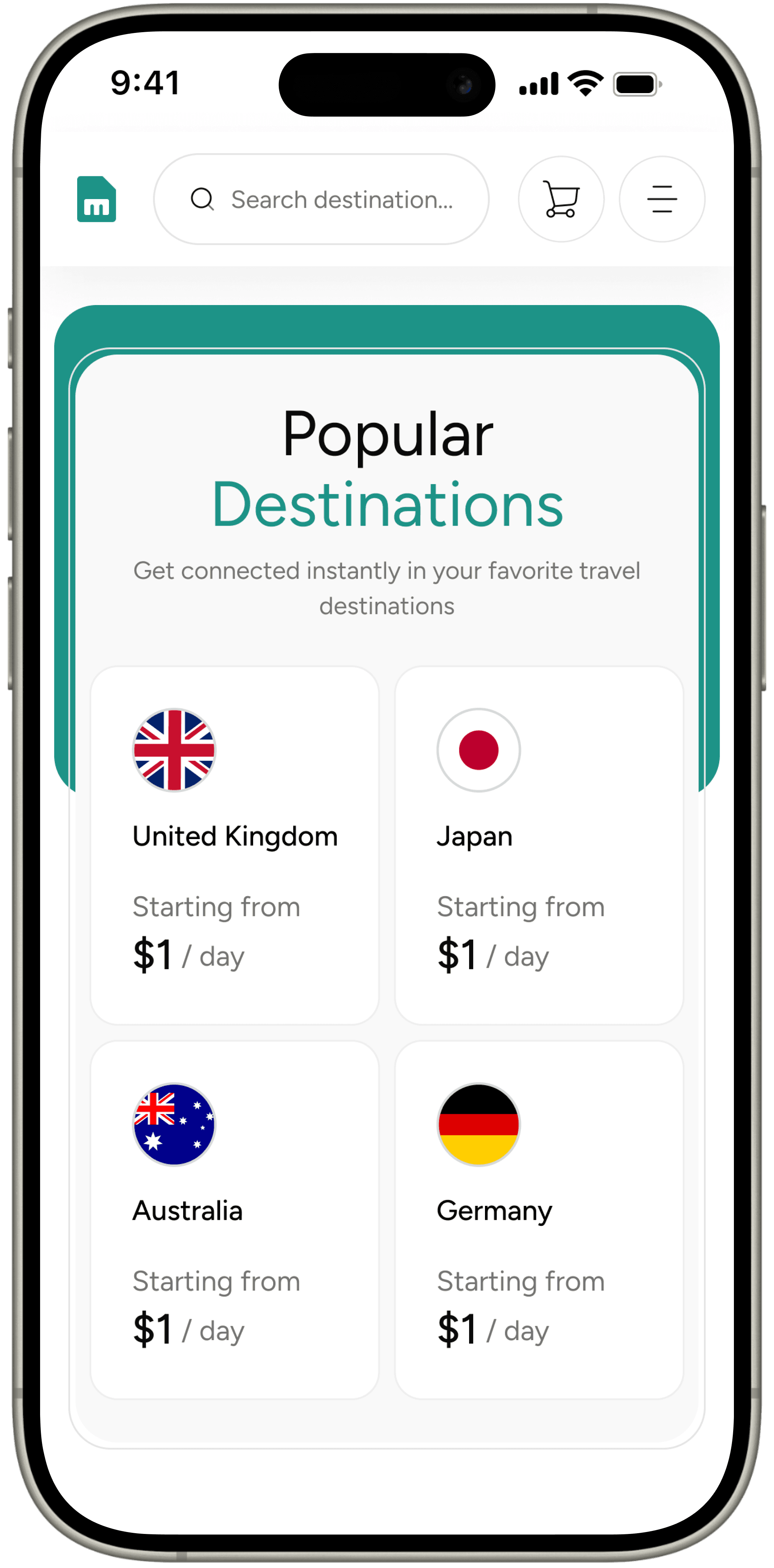
Popular Destinations
Get connected instantly in your favorite travel destinations
Frequently Asked
Questions
Everything you need to know about Hiroaming eSIMs.
Do you have other question?

Ready to Roam
Smarter?
Join millions of travelers who trust Hiroaming for seamless global connectivity